

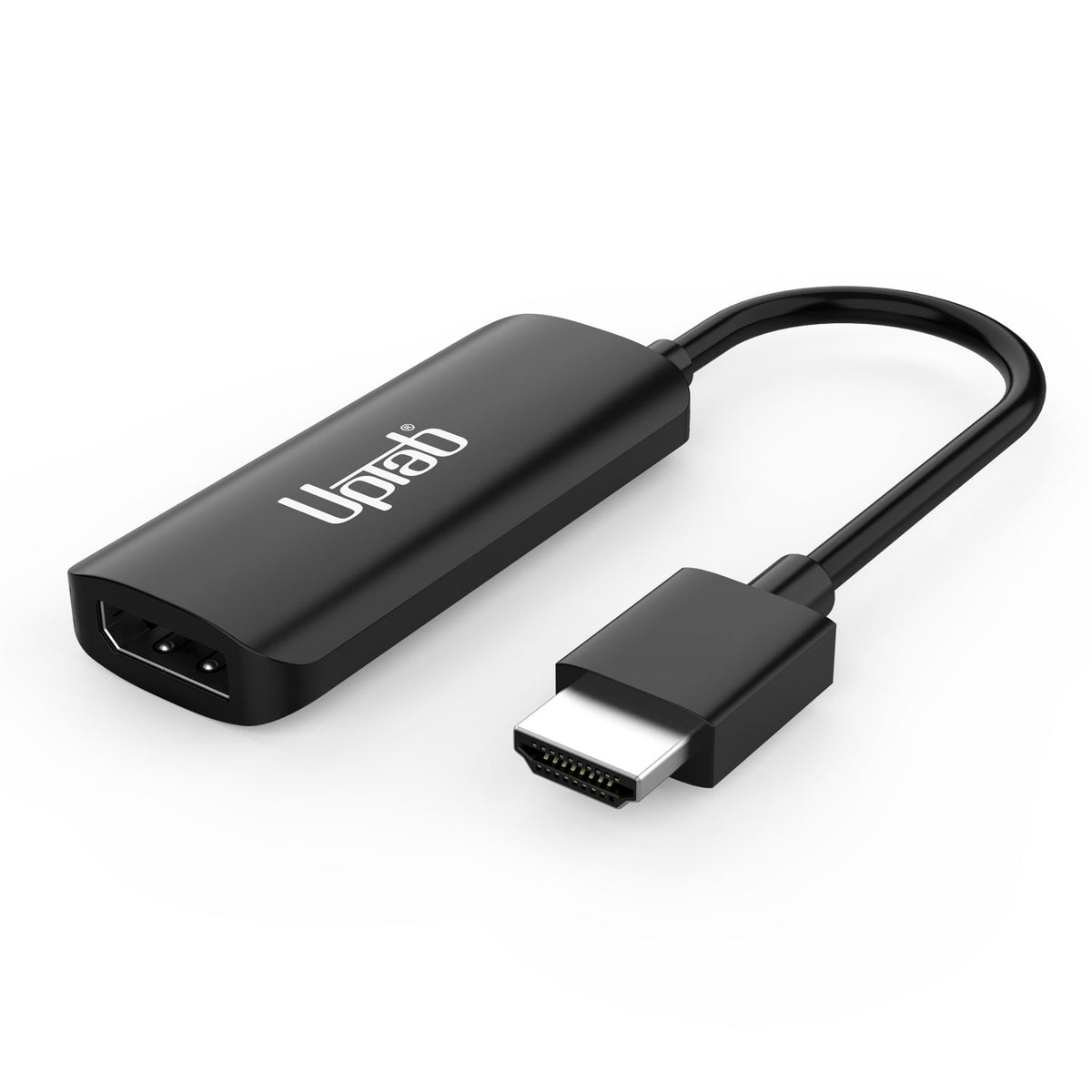
产品详情

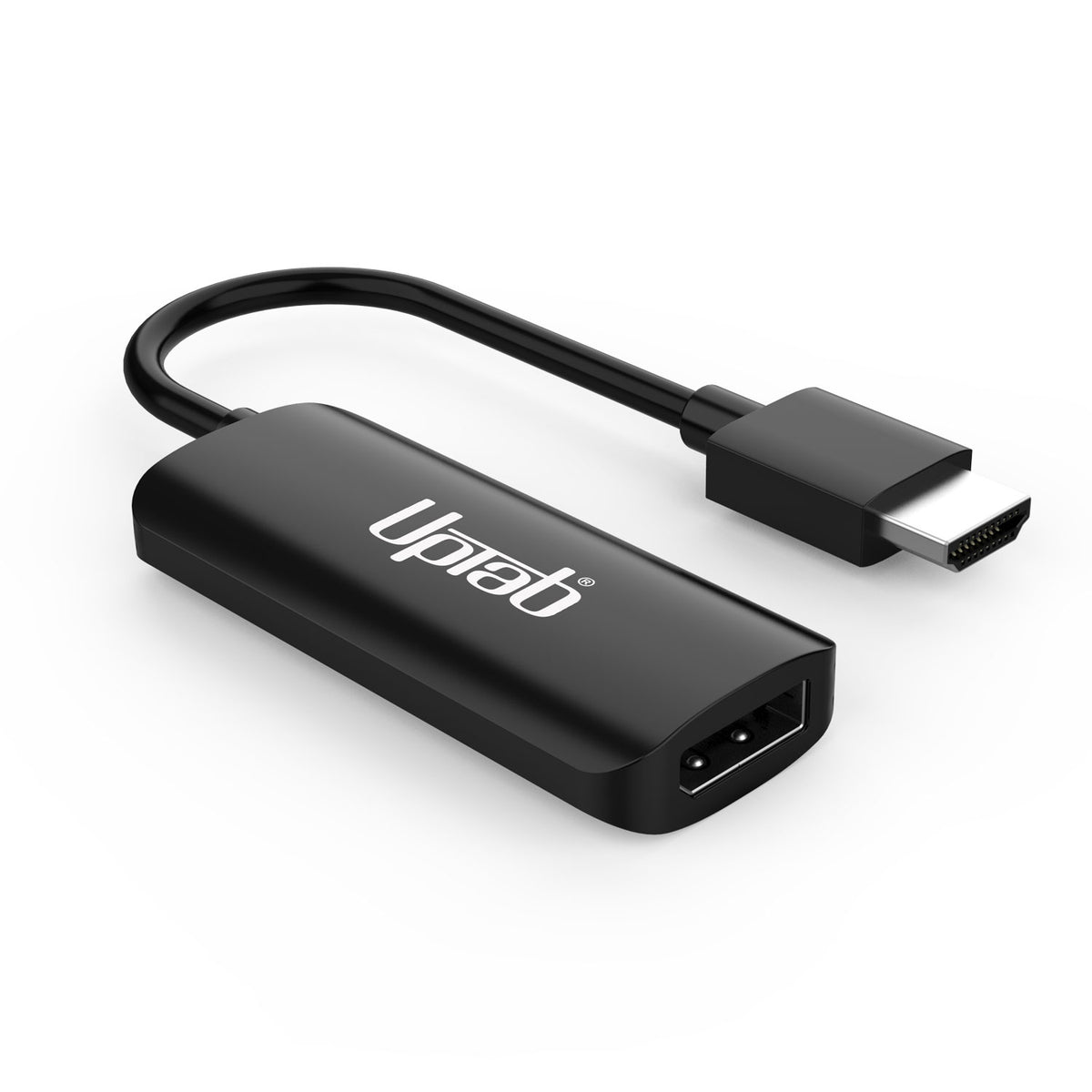
体验更高层次的清晰度和速度 UPTab HDMI 2.1 转 DisplayPort 1.4 主动式适配器—是您最新作品之间的完美桥梁 HDMI设备 (PlayStation 5、Xbox Series X/S(笔记本电脑、台式电脑)和 DisplayPort 显示器享受高达 8K @ 60Hz, 4K @ 120Hz, 或者 1080p @ 240Hz 色彩逼真,延迟极低。

专为 资深玩家和专业人士,该适配器提供 7.1声道环绕音频真正的即插即用设置,以及三重屏蔽信号完整性,确保性能不间断。 UPTab久经考验的可靠性和制造质量这样,你就能充分发挥显示器在游戏、编辑或直播方面的潜力。

力量

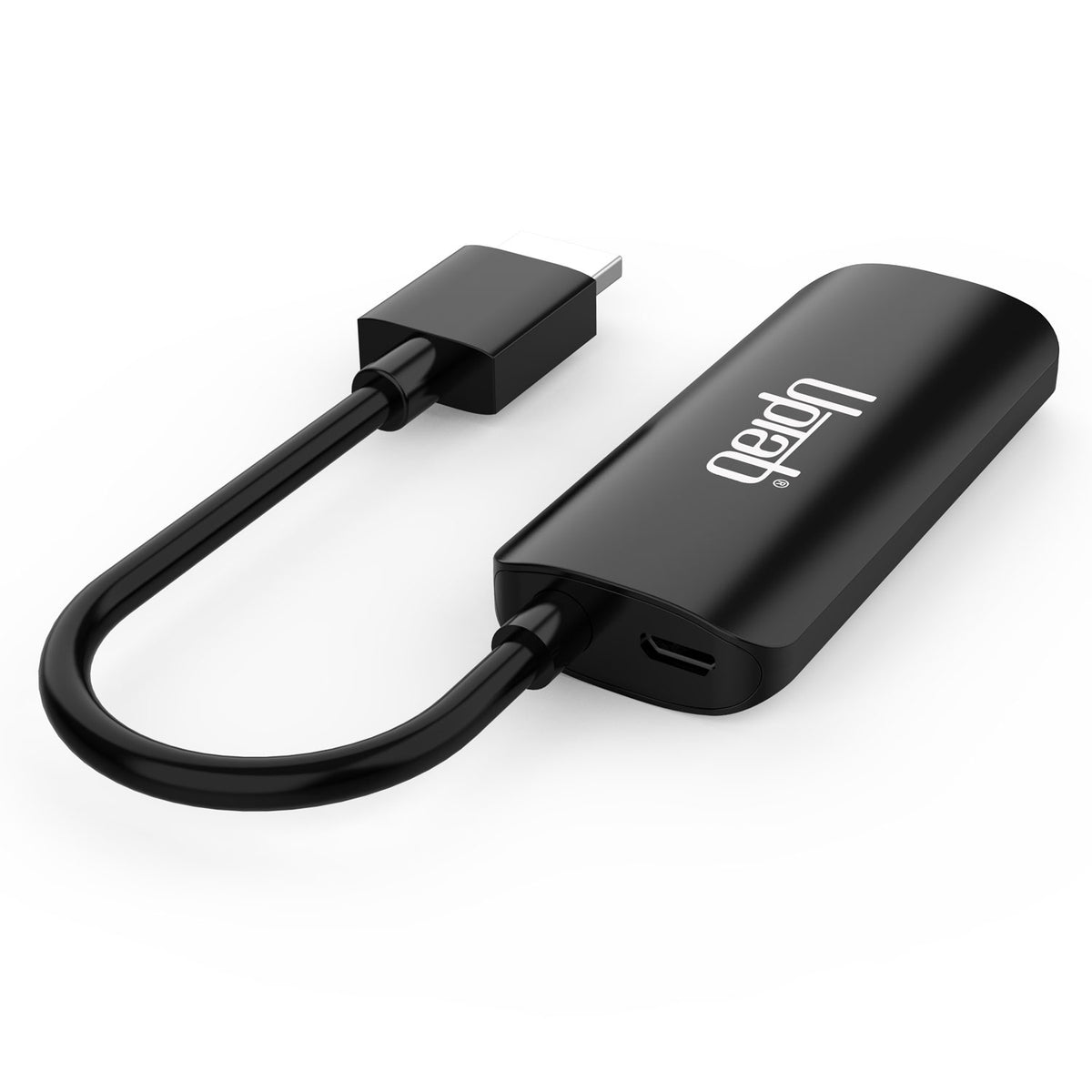
为确保稳定的信号转换, 连接随附的 Micro USB 数据线 连接到电脑上的 USB 端口或 USB墙式充电器这为转换提供了必要的能量 HDMI信号转DisplayPort 性能达到最佳状态。


连接您的 Xbox Series X/S 使用我们的 HDMI™ 2.1 至 DisplayPort 1.4 适配器连接到您的显示器


UPTab HDMI to DisplayPort Adapter connecting XBOX Series X and S


使用我们的 HDMI™ 2.1 转 DisplayPort 1.4 将您的 Sony PlayStation 5 连接到显示器


UPTab HDMI to DisplayPort Adapter connecting Play Station 5 PS5

强调:

  • 即插即用玩
  • 无需安装驱动程序或软件
  • 支持高达 8K 超高清 (60Hz) 的分辨率
  • 高品质音频(支持高达 192 kHz 的 7.1 声道环绕音频)
  • 符合HDCP标准

技术规格:

  • 输入: HDMI 2.1,公头。
  • 输出: DisplayPort 1.4(母口)——需要一根 DisplayPort 线缆(不包含在内)
  • 支持 60Hz 8K UHD 分辨率、120Hz 4K (3840x2160)、240Hz 1440p (2560x1440)、240 Hz 1080p (1920x1080) 分辨率。
  • 高品质音频 - 支持 7.1 声道环绕音频,采样率高达 192 kHz。
  • 符合HDCP标准。
  • 电缆:三重屏蔽。
  • USB供电。

** 注意:此适配器并非双向。它仅将 HDMI 输出信号(源设备)转换为 DisplayPort(显示器/显示屏)

包装内容:

  • 1x UPTab HDMI 转 DisplayPort 有源适配器。
  • 1 条 USB 转 Micro USB 40 英寸(1 米)线缆

常见问题 (常见问题)

PlayStation 5(PS5) 

如何才能获得 120Hz 的 1080p 分辨率?

  1. 请确保您已安装最新的索尼 PS5 更新。检查 索尼网站链接在此。
  2. 确保您的显示器能够支持 1080p 的 240Hz
  3. 确保您使用的 DP 转 DP 线缆能够处理最低 DP 1.3 分辨率
  4. 确保显示器上的 DP 端口配置为 DP 1.4 或至少 DP 1.3
  5. 禁用光线追踪
  6. 在 PS5 上启用性能模式
    1. 启动后导航到主屏幕 PS5 并打开“设置”——索尼截屏。
    2. 向下滚动并选择“保存数据和游戏/应用程序 设置” – ...
    3. 进入“游戏预设”并选择“性能模式 或分辨率 模式。”切换到“性能模式”
截至 2025 年 4 月,PS5 120Hz 游戏包括:
  • 特工拦截
  • Apex 英雄
  • 《沥青传奇》
  • 小行星:充电
  • 原子之心
  • 苍穹前锋钢沃特3
  • 《Ben 10:权力之旅》
  • 狂暴:充能
  • 《黑寡妇:充电》
  • 吸血莱恩背叛:新鲜片段
  • 无主之地3
  • 突破:充电
  • 光明记忆:无限
  • 《使命召唤:黑色行动7》
  • 《使命召唤:黑色行动6》
  • 《使命召唤:黑色行动冷战》
  • 《使命召唤:现代战争2》
  • 《使命召唤:现代战争3》
  • 使命召唤:先锋
  • 《使命召唤:战区》
  • 猫咪任务3
  • 火星洞穴充电
  • 蜈蚣:充电
  • 卡戎的楼梯
  • 高尔夫诅咒
  • 弯曲空间
  • 网络阴影
  • 怪物的黎明
  • 深岩银河
  • 《命运 2》
  • 毁灭性的
  • 《鬼泣5》特别版
  • 尘埃5 PS5
  • 《毁灭战士》+《毁灭战士2》
  • 《毁灭战士:永恒》
  • EA体育F1 25
  • 堡垒之夜
  • 怪物男孩与被诅咒的王国
  • 《仁王合集》(仁王和仁王 2)
  • 《彩虹六号:围攻》
  • 托尼·霍克职业滑板
  • WRC 9

您可以在这里找到所有支持 120Hz 的 PS5 游戏完整列表。 这里。

如何修复 DisplayPort 至 HDMI 无信号?
  1. 关掉电脑
  2. 断开所有显示器
  3. 拔掉出现问题的显示器的电源。
  4. 等待大约 1 分钟。
  5. 仅将出现问题的显示器重新连接到电源和 PC。
  6. 将电脑重新连接到电源。
  7. 打开电脑 
我可以将 HDMI 笔记本电脑连接到 DisplayPort 显示器吗?
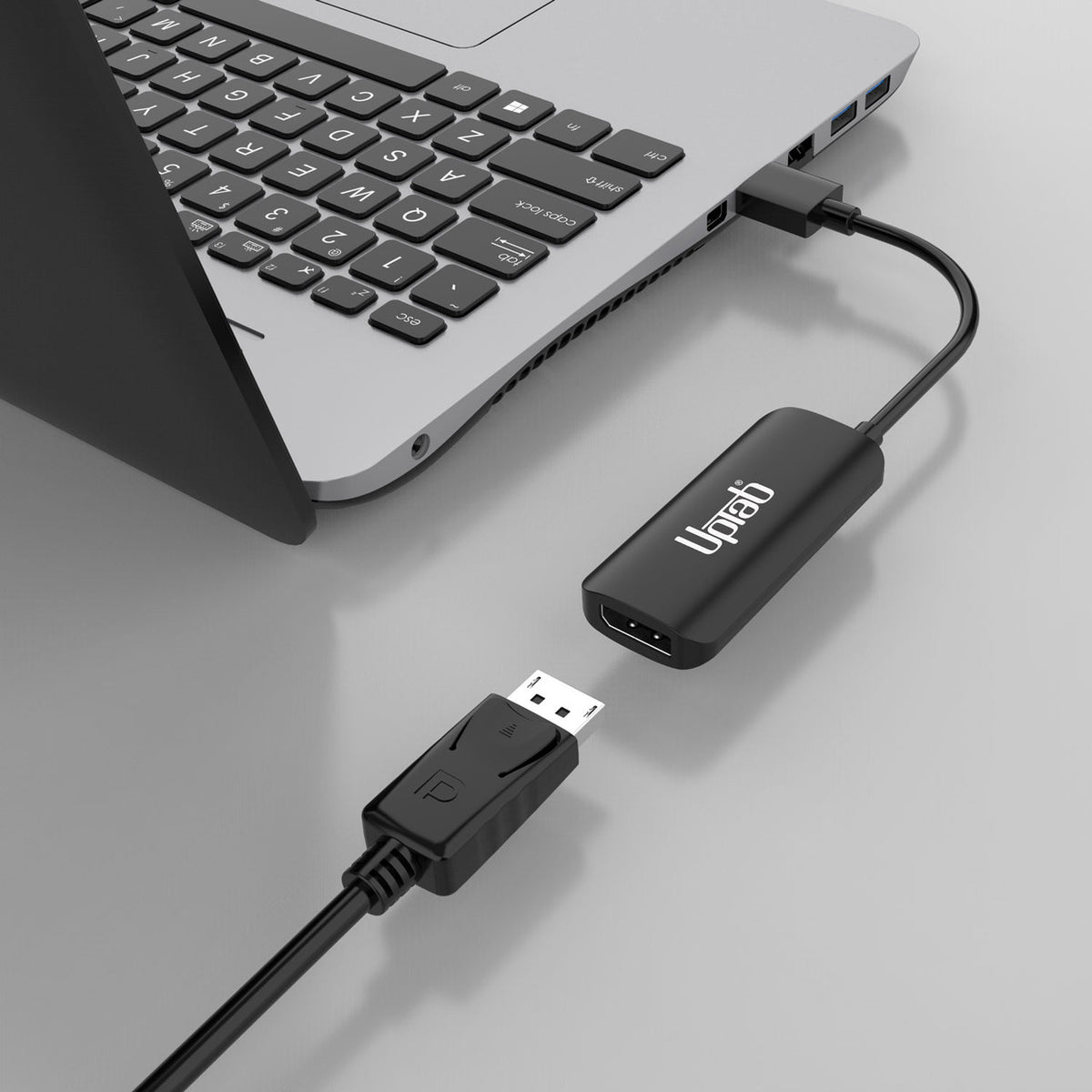
  1. 确认您的适配器是 HDMI 转 DisplayPort,而不是 DisplayPort 转 HDMI;许多适配器不是双向的。
  2. 关掉你的电脑
  3. 将 HDMI 连接到 PC/笔记本电脑上的 HDMI 端口
  4. 将 USB 连接到计算机或电源上的 USB 端口,为适配器供电。
  5. 将 DisplayPort 连接到显示器 DisplayPort 电缆(不提供电缆)。
  6. 打开你的电脑
HDMI 和 DisplayPort 一样吗?
  • HDMI 和 DisplayPort 都是高速数字接口,但它们在几个重要方面有所不同。HDMI 主要用于消费电子设备,而 DisplayPort 主要用于计算机和外围设备的视频连接。

DisplayPort 转 HDMI 会降低质量吗?

  • DP 的最高画质更高,但 UltraHD 电视不会受到 HDMI 的限制,因此画质不会有任何损失。它们都是串行数字标准,无需缩放即可传输信号。
  • 5 stars: 11 (73%)
  • 4 stars: 2 (13%)
  • 3 stars: 1 (7%)
  • 2 stars: 1 (7%)
  • 1 star: 0 (0%)
E
Elsie H.

I was only able to get the adapter to work with one of my displays and not the other. And with the display that works with the adapter it will show visible artifacts if the adapter is bumped or there is some other mysterious interference with the cord. Having to wiggle a device to get it to work is unimpressive. Four stars because it basically works but is annoying.

Also: this adapter and basically all others similar to it have a male cord on the HDMI side and a female cord on the DisplayPort side, limiting flexibility of usage; it would be preferable if instead both the HDMI and DisplayPort were female, so that the adapter could be used at either the monitor end or the host end, whichever is more convenient.

Also (also): the USB power is Micro-USB, which in 2026 is kind of a joke. The power input should really be USB-C, even if it's just USB 2.0 power, not full-blown USB-PD.

B
Brian R.

Used this to connect my PC to my Apple Studio Display. It works. Without an active adapter, the connection could not be made.

A
Anonymous

Works great!

P
Patrick T.

It didn’t work for me. I wanted to use it to connect my work laptop to my Apple display thunderbolt monitor. I don’t suppose I could get a refund?

O
OutlwJoseyWales
Good

Works good

f
fredykastro
Excelente, llegó antes de lo esperado

Tal cuál en la descripción, recomendado

I
Ido
Supports HDR

works will with xbox series x 4k HDR

A
Aggie89
Works, but not as I expected...

I have 2 monitors that I connect to with a single Display Port connector. The goal was to get the Extended screen view with the monitors (Macbook closed), but it's only mirrored. It does Extended view with Macbook open, but with the laptop, open or closed, the monitors are only mirrored (same image). With laptop closed, same image on both monitors. Since this is an active (powered) device, I thought it would support an extended screen view between two monitors, but it apparently does not.However, when I need to use a Display port to the HDMI port on the Mac for a single screen... it's great.

r
rawan
works with ps5

I got it for ps5 to get the 120FPS and it worked perfectly.

J
Josh C.
Good

Great item, but needed up not needing it

N
N. P.
Works perfect

This is the first of 3 adapters I tried that produced any signal from my 2018 mac mini. With this one I am able to get 4k @ 60hz.

A
Alex C.
Super helpful

This was a lifesaver with a new work from home job of mine. I bought some older model desktops from a thrifting app and this was just what I needed.

O
Opinionated
Good quality

I use this product to connect my monitor to my laptop. It is a good quality and sleek product. The USB cable that attaches to the laptop is interchangeable (some products have it attached to the cable). I only mention it because it is somewhat long but you can use another shorter cable if you would like. I didn't experience any disconnection issues while using it like I did with some other cables.

C
Carlos
This works perfectly

If your looking to upgrade your monitor for better quality picture. This is what you need just don’t forget to grab a DP cable. Aka Display Port cable.

J
Jacob
Actually works! 1440p 120hz on my DisplayPort monitor with Xbox Series X

I’ve now tried 4 competitor products with the same advertised features, none have worked except this one. Works perfectly, no perceptible lag and instantly recognized by the Xbox Series X and my Dell monitor. Very happy!

满 50 美元免运费

大多数订单当天发货