


产品详情
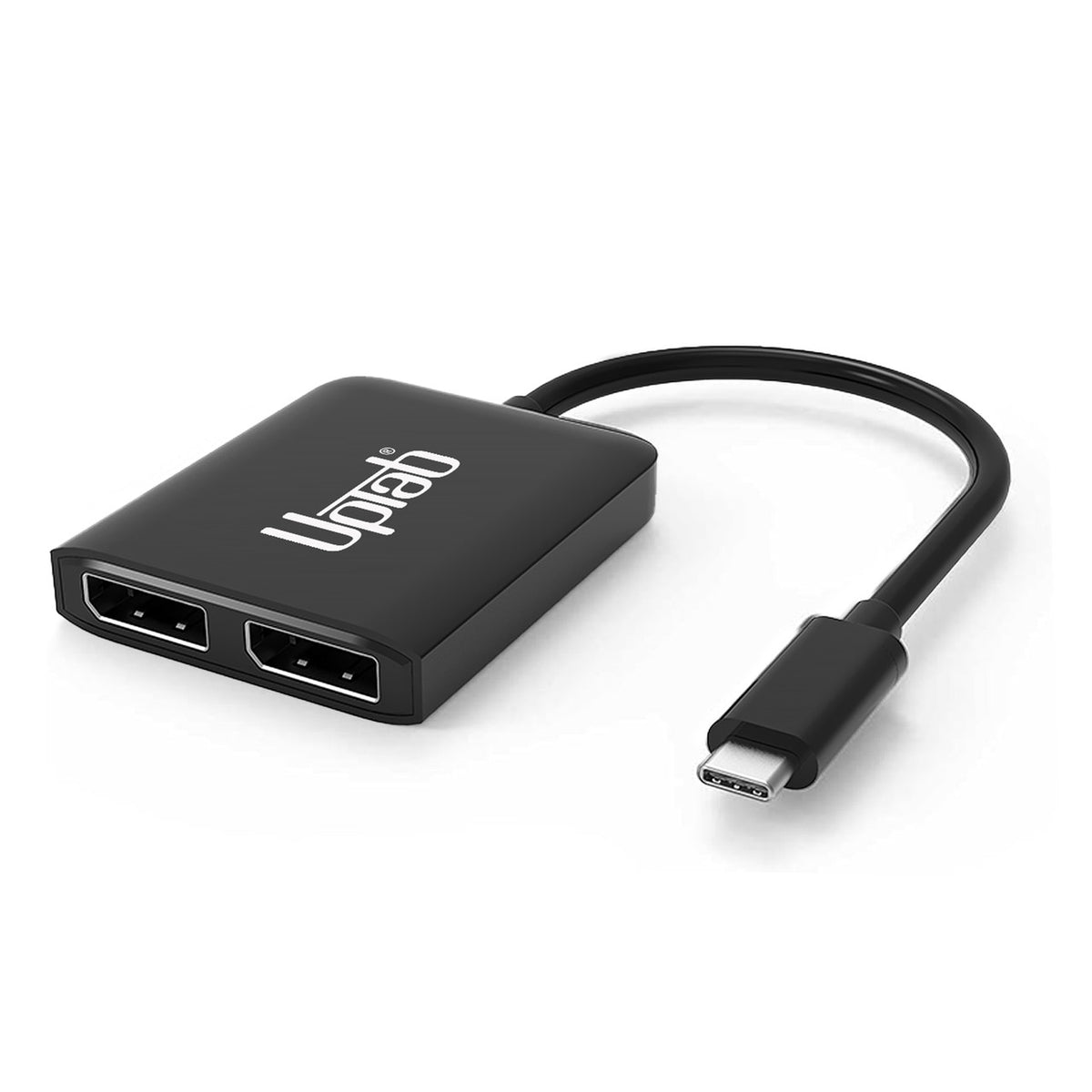
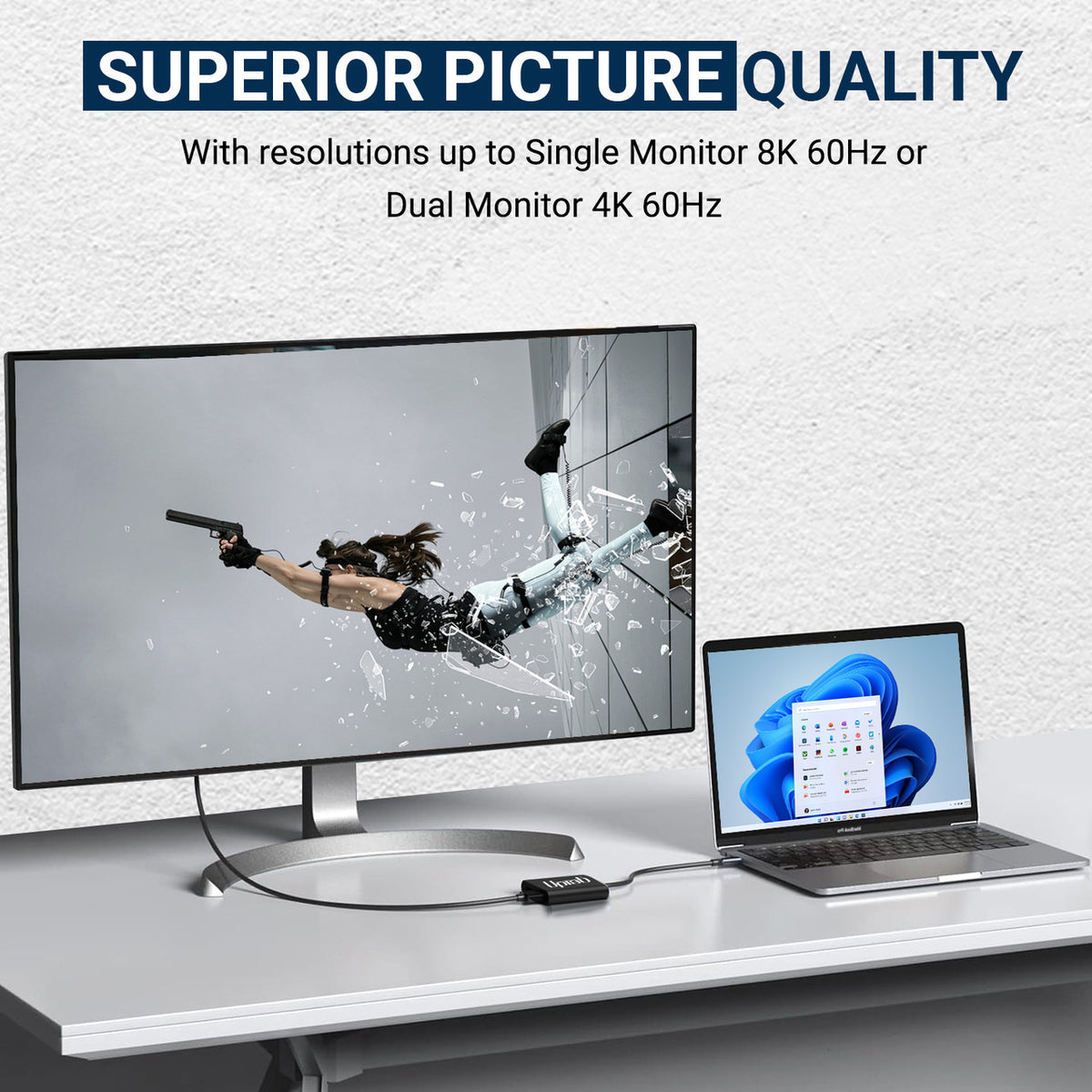
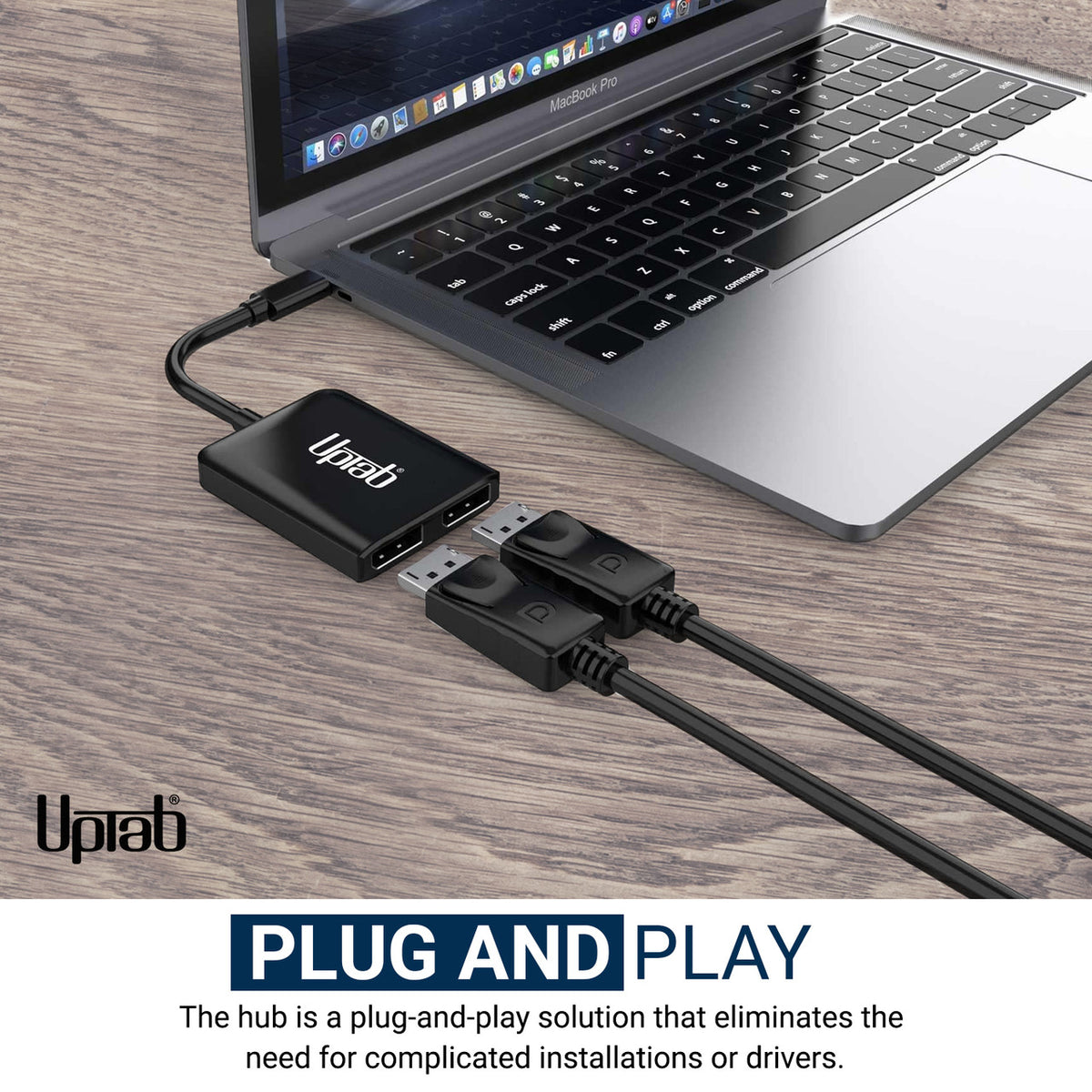
如果您经常进行高强度计算,包括玩游戏,那么这款 USB-C 转双端口 DisplayPort 适配器(单端口支持 8K 7680x3840 或双端口支持 4K 3840x2160)或许正合您意。它支持连接电脑和超高清显示器,为您提供卓越的性能和娱乐体验。使用简便,无需安装任何软件或进行任何设置,只需将一端连接到电脑,另一端连接到现有的 DisplayPort 线缆(需另行购买)即可。该适配器可将 USB-C 视频信号转换为 DisplayPort 信号,最高支持 8K 分辨率。此外,它还支持 4:4:4 色彩格式,可呈现真实的 RGB 色彩,避免常见的色彩失真。
特征:
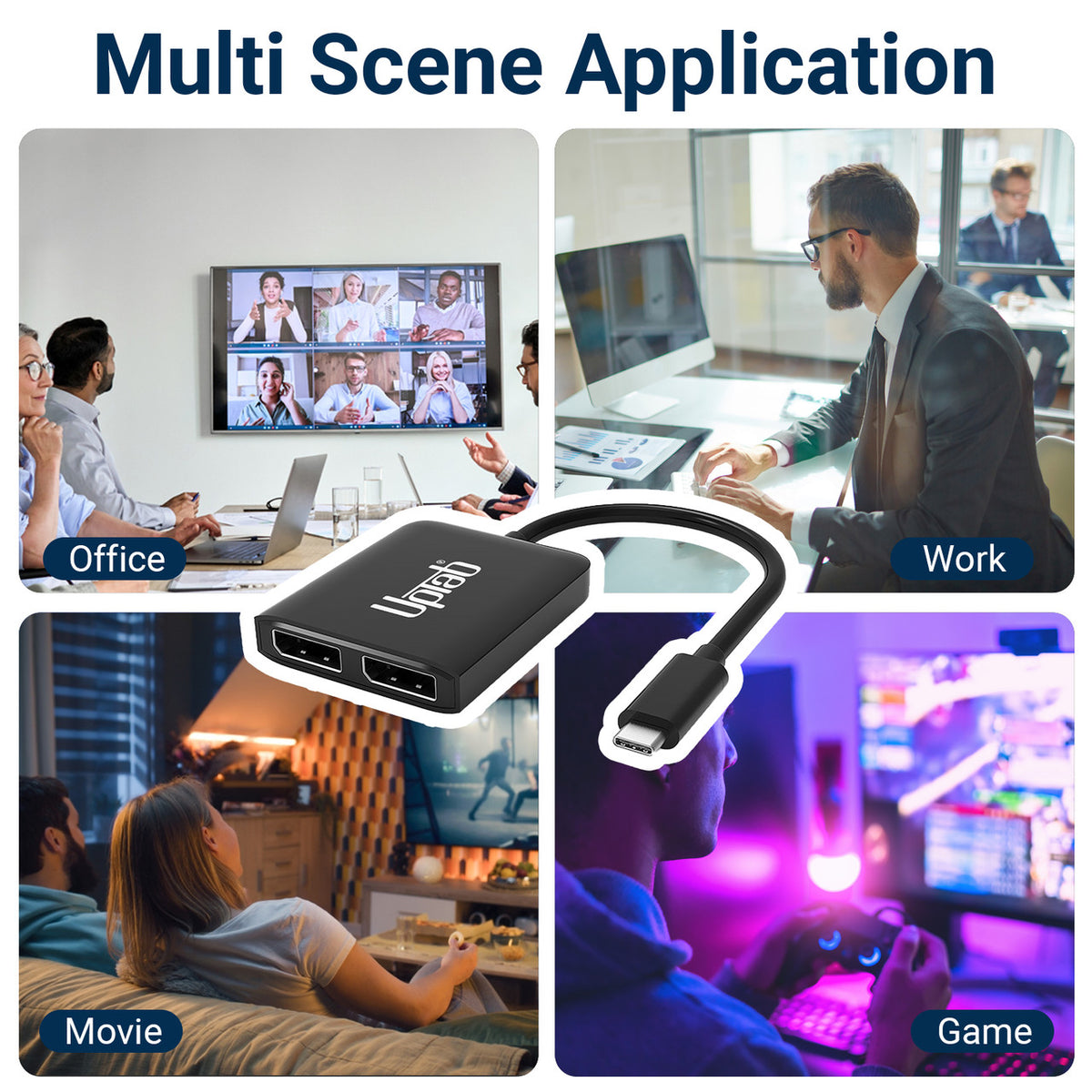
- 非常适合游戏玩家和其他高级计算需求
- 支持 4:4:4 色彩格式,RGB 色彩清晰
- 最多 8 声道音频
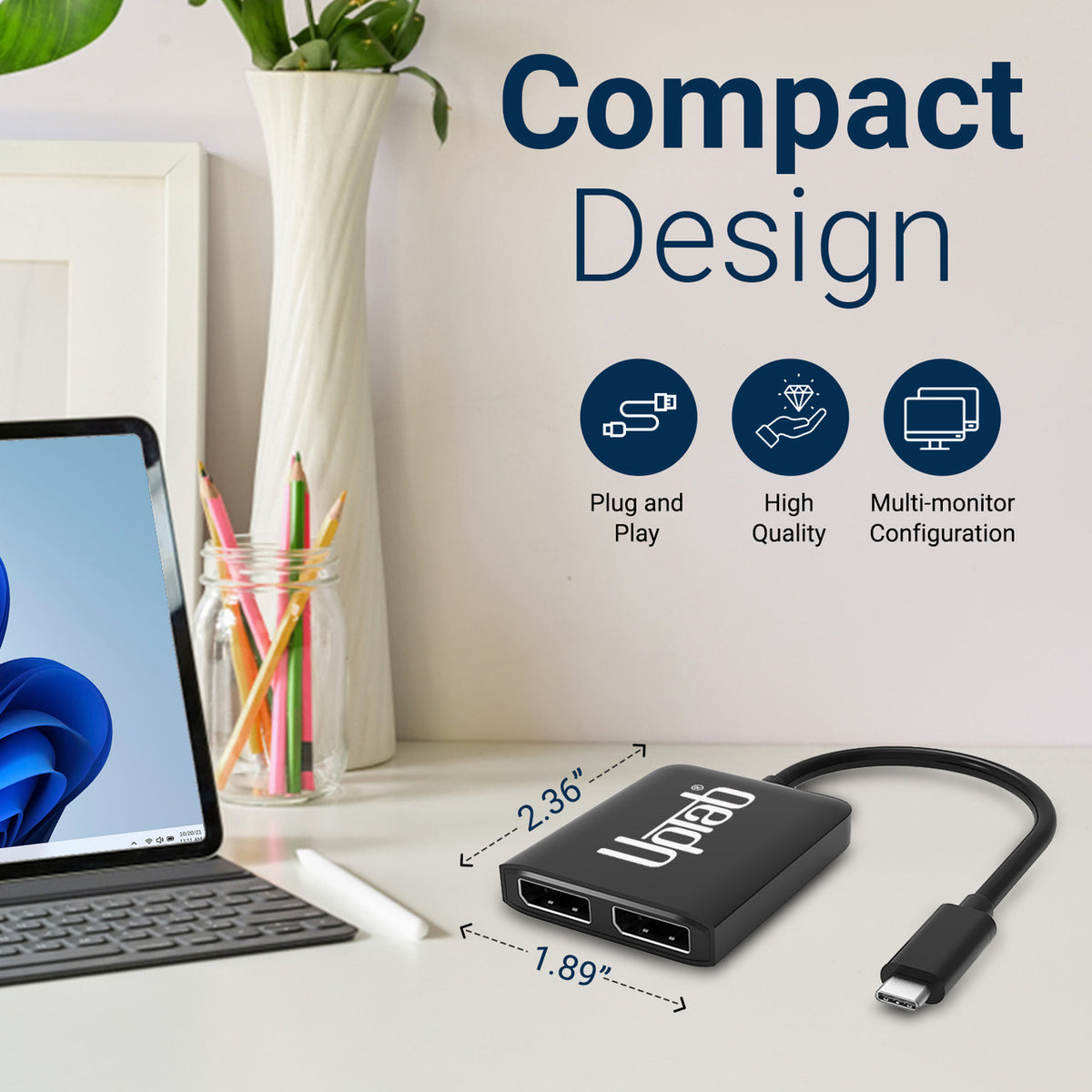
- 小巧便携的设计
- 自供电设计,无需外部电源
- 转换 DisplayPort 视频信号,最高支持 UHD 8K 7680x3840 和 4K 4096x2160 分辨率。

规格:
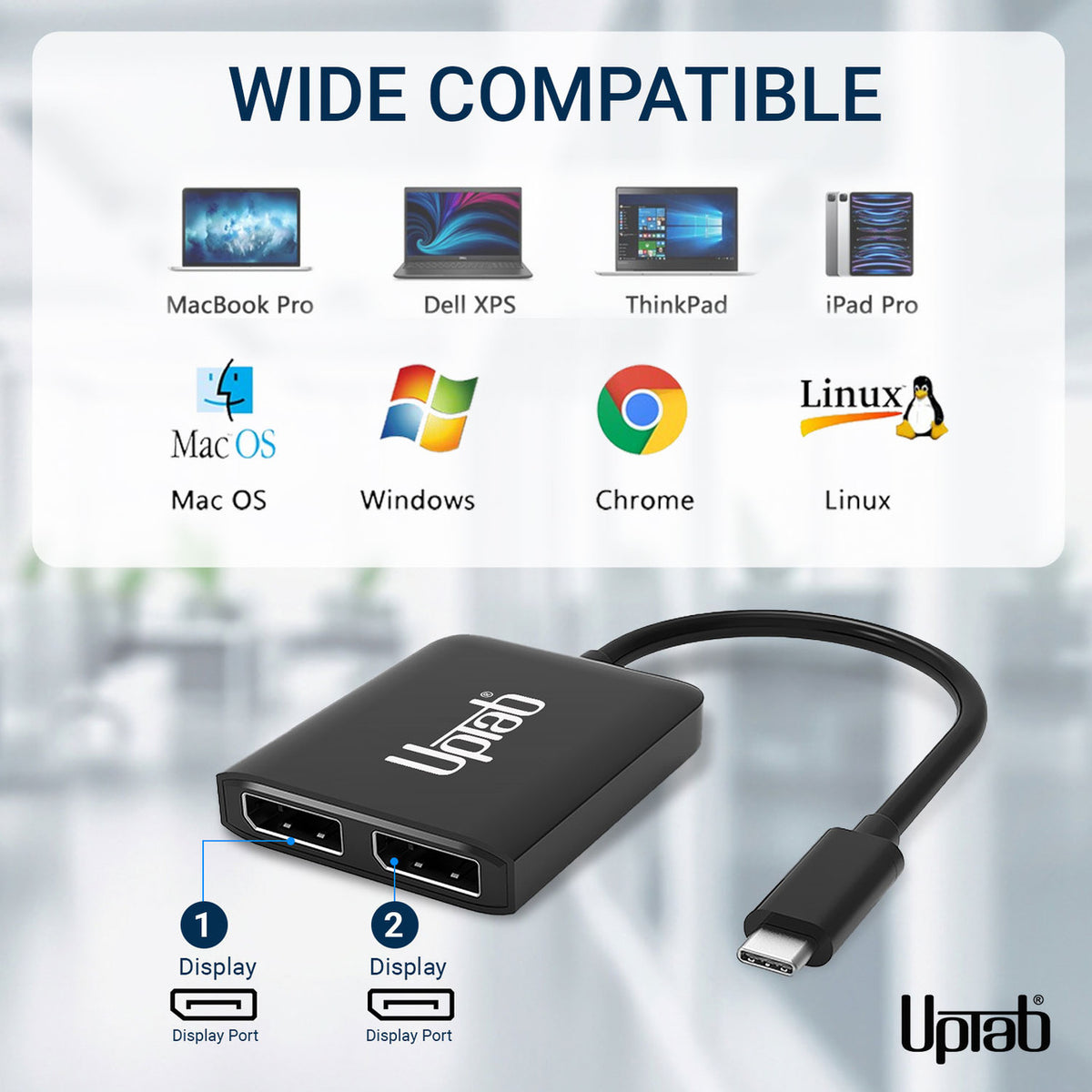
- 输入: USB-C 3.2(主机必须支持 DisplayPort 1.4 Alt 模式)
- 输出: 双 DisplayPort 1.4
- DisplayPort 1.4 信号最高可达 UHD 8K 7680x4320@30Hz/60Hz 和 1080p/144Hz。
- 两台 DisplayPort 显示器支持最高 4096x2160@60Hz 的分辨率
- 无 DSC:DP1.4++:(7680x3840@30Hz,HDCP2.2,HDR10,7.1CH)
- 带有 DSC:DP1.4++:(7680x3840@60Hz,HDCP2.2,HDR10,7.1CH)
- 一个 DisplayPort 显示器支持高达 7680x3840@60Hz 的分辨率
- MST 无 DSC:最大 2x3840*2160@60Hz
- SST 无 DSC:最大 2x7680*3840@30Hz
- 支持4:4:4色彩格式。
- 传输多达 8 声道音频,带来身临其境的音频和视频体验
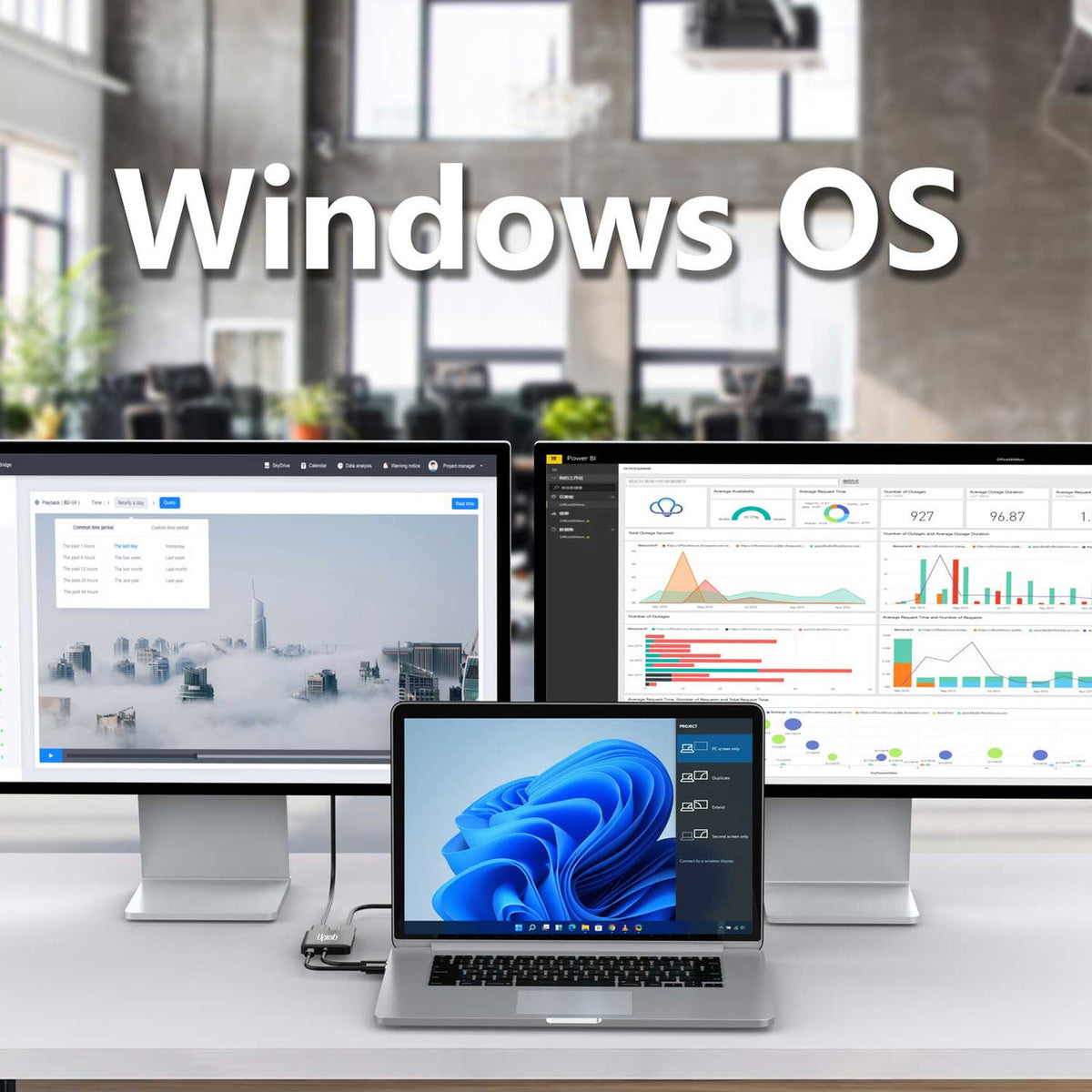
- 支持 Windows 显示扩展和镜像模式(MST 和 SST)
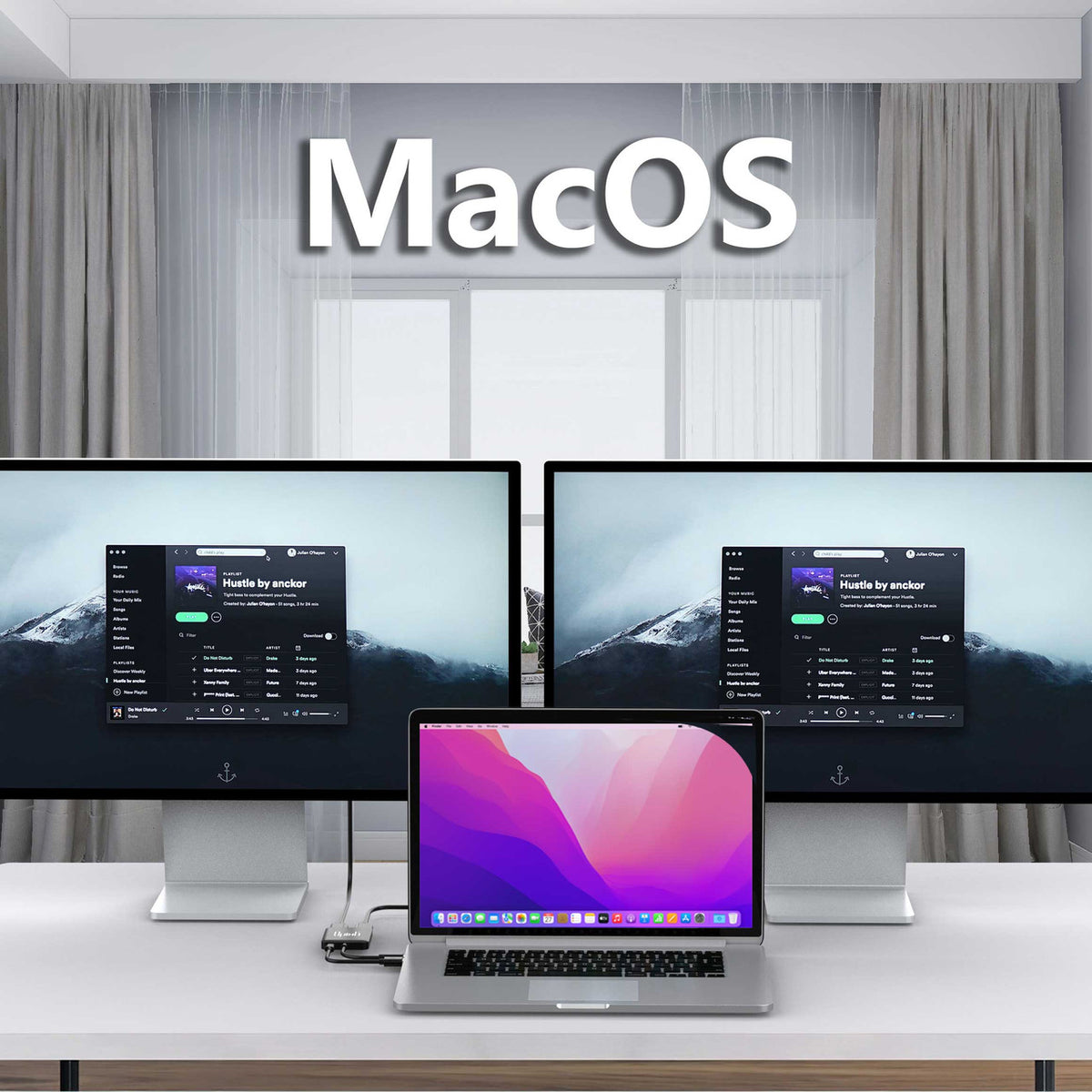
- 支持MacOS镜像模式(SST)
包装内容:
- 1 个 UPTab USB-C (Type-C) 转 2 端口 DisplayPort 适配器。
下载PDF格式的兼容设备列表: 这里
不,要传输视频,您的 USB-C 端口必须支持 DisplayPort Alt 模式DP Alt Mode(DP Alt Mode)允许 USB-C 端口通过多种接口(包括 DisplayPort 视频接口)传输数据/视频。能够传输 DisplayPort 信号的 USB-C 端口被称为 USB-C DisplayPort 或 DP Alt Mode。之所以会对 USB-C DisplayPort 感到困惑,是因为并非所有 USB-C 端口都支持 DisplayPort Alt Mode 功能。因此,许多拥有 USB-C 端口的用户完全不清楚这些端口是否支持通过 USB-C 传输 DisplayPort。对于这些用户来说,关键在于了解如何判断他们的 USB-C 设备是否支持通过 USB-C 传输 DisplayPort。
- USB-C 端口旁边有雷电接口(Thunderbolt 3)吗?这样您就可以使用此端口充电和传输视频信号。这意味着您可以连接显示器。此端口支持 DisplayPort 替代模式。
- USB-C 端口旁边的 D 端口(DisplayPort)是什么?您可以使用此端口传输视频信号。这意味着您可以连接显示器。此端口支持 DisplayPort 替代型号。
- USB-C 端口旁边有电池符号吗?那么你可以用这个端口给笔记本电脑充电。此端口不支持 DisplayPort 替代模式。
Thunderbolt 3是最早一批采用新型USB-C接口的接口之一,因为USB-C接口体积更小,而且正反插拔更方便。USB-C线缆的传输功率也更高,因此可以用来给笔记本电脑等大型设备充电。
如有任何疑问,欢迎随时联系我们。我们将在工作日24小时内尽快回复您。
-
运输信息
我们大多数订单都会在当天处理并发货。配送时间会根据您在结账时选择的配送方式而有所不同。请确保您的收货地址准确无误,以免延误。
-
客户支持
我们的团队随时为您提供帮助!如有任何疑问或需要帮助,请通过电子邮件或联系表格联系我们。我们会尽快回复您。
-
常见问题解答
我的订单什么时候发货?
大多数订单当天即可处理并发出。送达时间取决于您在结账时选择的配送方式。
你们的退货政策是什么?
商品可在30天内退回,但必须保持原包装,并包含所有配件。 -
联系我们
有疑问或需要帮助?我们随时为您服务。
周一至周五上午 9 点至下午 5 点(美国东部标准时间)提供客户服务
电子邮件: cs@uptab.com
电话:1 (877) 333-1505
或者使用我们的 联系表格我们会尽快回复。
Bought two LG monitor and anted a simple effective way to connect both. UPtab did the job effectively so I did not need the bulky docking station. Will buy or recommend that other buys also. PS NO drivers needed
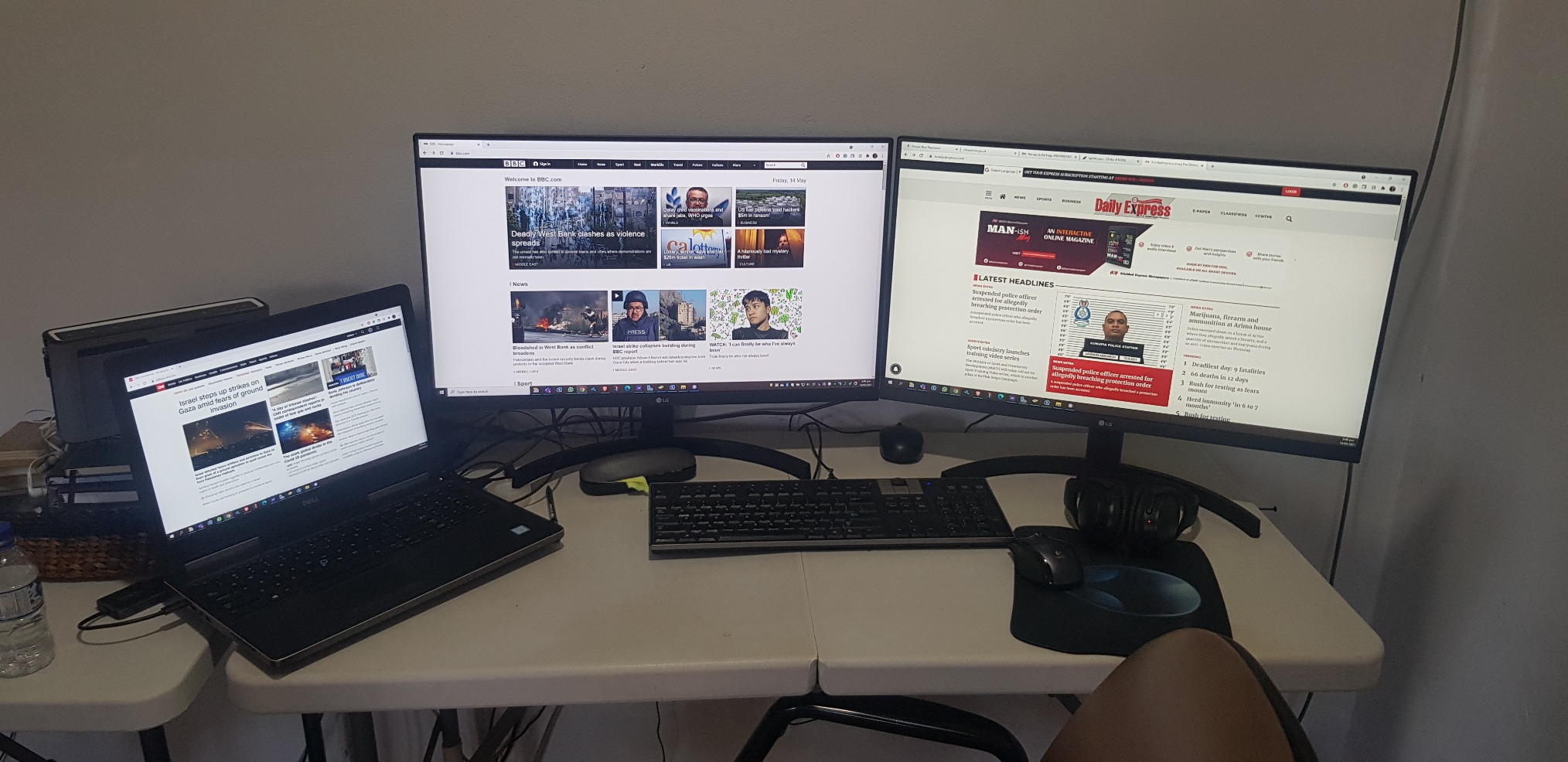
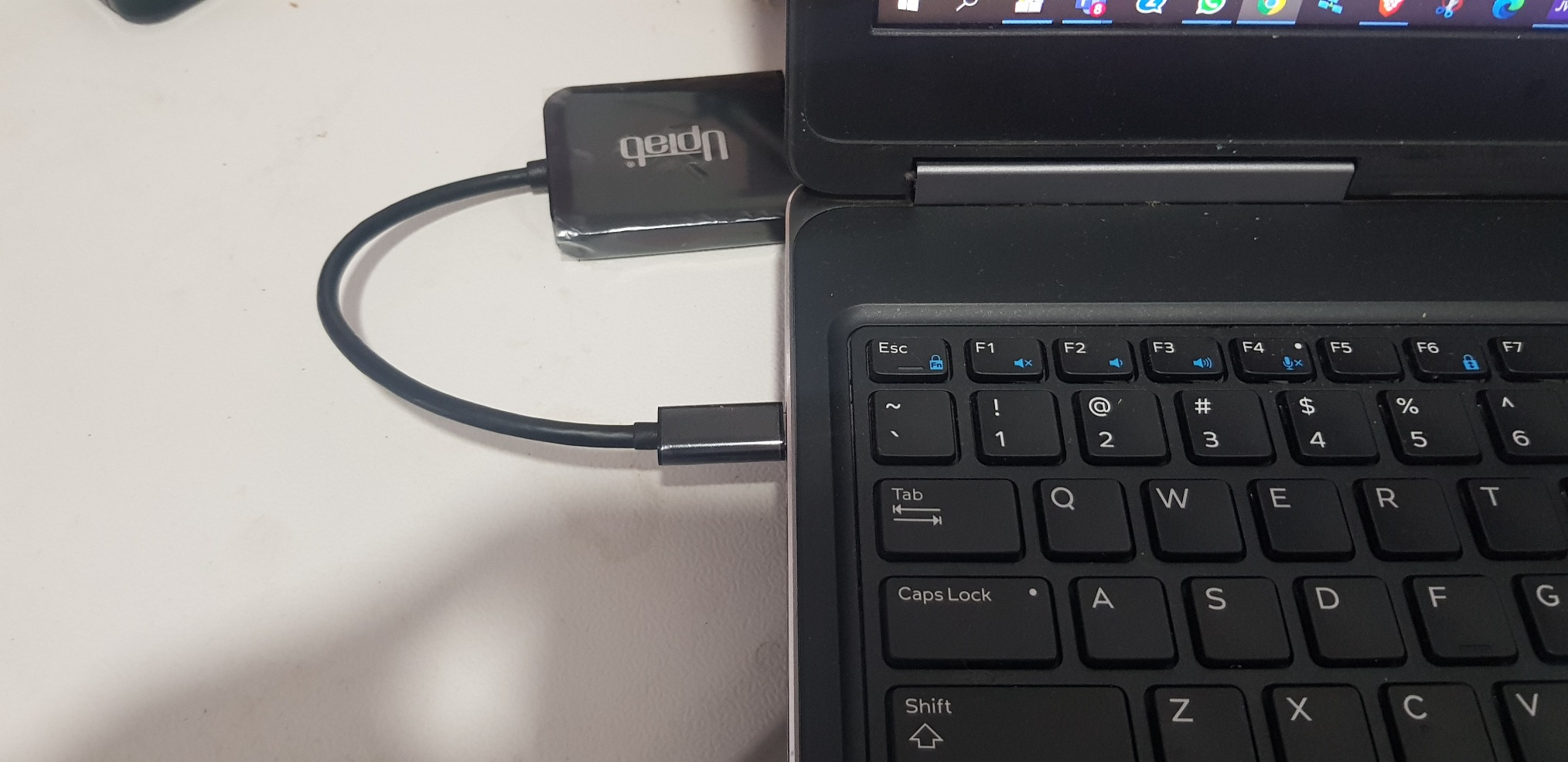
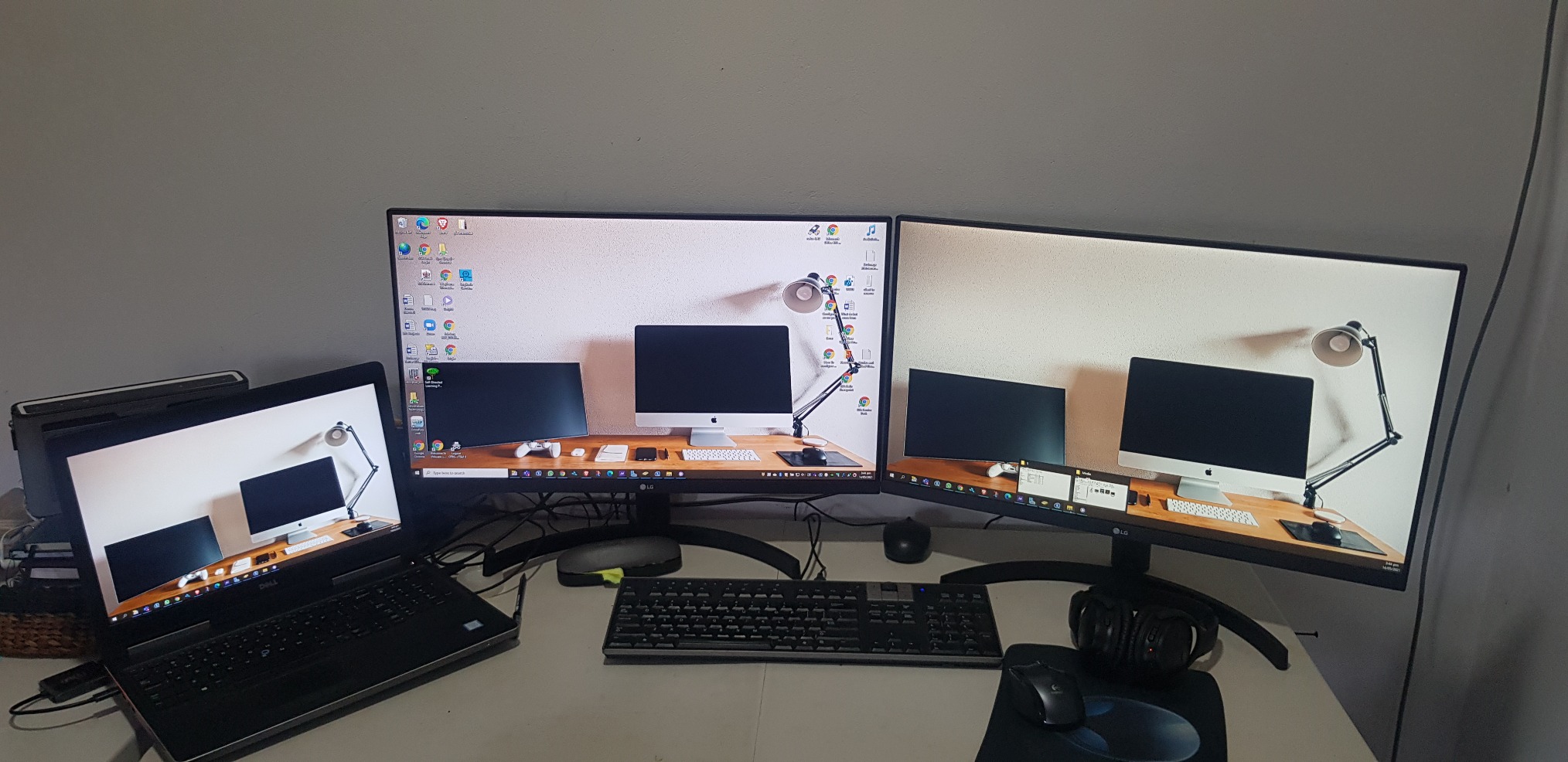
It works with two 5k monitor

As title says
Almost perfect. Used with Win10 on a Dell Latitude 3510, dual QHD (2560x1440@60Hz) displays for an extended desktop. The Latitude supports DisplayPort Alt-mode over its USB-3.2 type C connector, which is exactly what you require for this device.Laptop mostly used in clamshell mode, device is barely warm pushing 7 Mpixels 8+ hours a day. No problems driving all three displays as extended (9 Mpixels) either. USB tail is a little short though (~18cm).Very cost effective alternative to upgrading to TB3/MST (and saves you the mental trauma of working outwhich feature/port/cable/monitor does what).One rare problem is that Win10 can swap the monitors around, this has only happened once on resume from sleep. The other odd problem is an intermittent event (plus system sound) that originates in the Intel OED sound driver, possibly trying to access (non-existent) audio in the monitors.I'm overdue some driver/firmware updates which might fix these. Or perhaps they are entirely unrelated and just the opaque machinations of the Fine Operating System...
I was worried about capability and quality but it was worked great. I use this to go from a Surface Studio 2 to two external monitors and it works flawlessly.
It is good and doing the job.
Good value and easy to use.
product works as advertised, hooked up two monitors with Display Ports
I went through a whole bunch of these types of adapters to find one that will work with the Intel NUCs.Intel advertises that the NUCs (generations 8 and newer) can support three displays, but gives very little information on how to make that happen. This UPTab USB C to DisplayPort adapter DOES WORK! I now have three displays connected to my 8th generation NUC.If you need to connect to a device using HDMI, you can do that with this adapter too, but you have to use ACTIVE cables, not the simple passive cables that you typically find when searching for DisplayPort to HDMI adapters. Make sure the name contains the word ACTIVE and it should work.
I am using this with a 2020 Macbook Air, an external keyboard, and a 1440p monitor, which is connected to my computer with a USB C to DisplayPort cable.If I have the monitor and the keyboard attached to the splitter, and the power adapter in the other port, the display doesn't work.What fixed the issue was moving the *power* to the USB C input of the splitter, and having the monitor take the other USB C slot.Not a huge deal, but if you run into this issue, that's how I solved it.
Works as advertised.
Screens kept on flickering and then lost signals.
As described.
"DO NOT BUY" Screen flickers..frequent monitor blanks out. Do not waste your money.
Great value!
The adapter would not support higher than 640x480 resolution when connected. Amazon support tried to help but couldn't resolve.I tried Contacting Manufacturer, no response email or phone.
I wish I could return this item. It is somehow not compatible with my Dell. Customer Support has been wildly unhelpful.
I plugged it, tried to download drivers and all sort of items.I know my way around computers and the like - this is a poor device
Did not work with 2 Dell 25" 4K monitors kept flickering back-and-forth, monitors would blank out and screen would lose signal from laptop got very hot was absolute garbage. Maybe i got a bad one???
Did not work - returned.
This was simple to use and word great!
Worked well, then my employed got us docking stations.
Watch out with this product if you are running MacOS. It will not work as you expect and will only mirror both external displays.They'll even charge you a restocking fee for missing the small bullet point about this problem with MacOS. How great is that?
Used it in my car radio to play movies
Cheapest way so far to split two screens off of my USB-C port on my Alienware 17 R3. No issues.
Works perfectly on 3 laptops.
Plug-in and got able to extend to 2 additional monitors.
Nice compact device
It works.
Works as expected.
This is all I get when I attempt to use the Device from a new HP Laptop with i7 Processor connecting to Dell 22 inch Monitors. I have removed all USB drivers and reinstalled. I have also followed many troubleshooting YouTubes. This is not working at all.
This device allowed me to set up a three monitor (laptop screen + 2x Dell 24") workspace. No configuration issues. Two minutes to set up.
满 50 美元免运费
大多数订单当天发货